Inbound Channel Pipeline
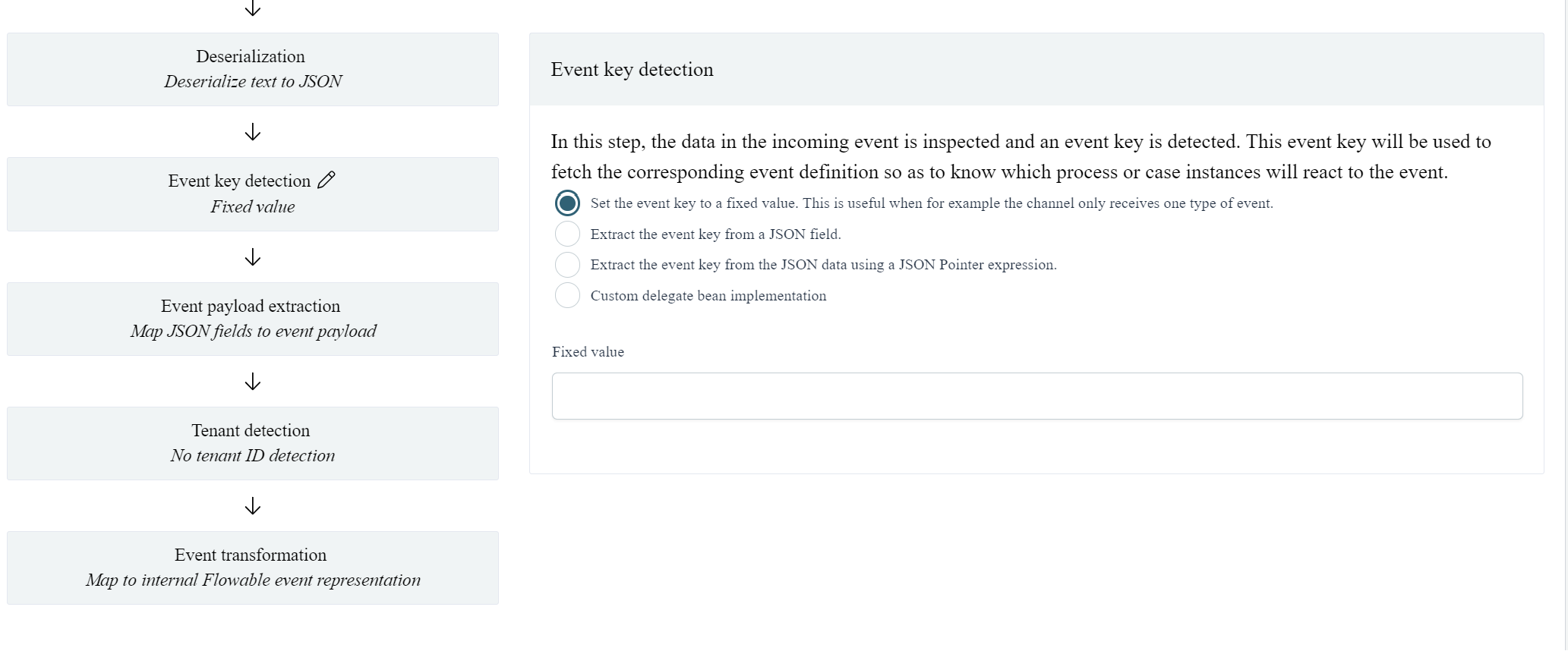
The third section configures the pipeline of the channel, as explained above. Every event that is received, passes through this pipeline, which is also indicated in the UI:
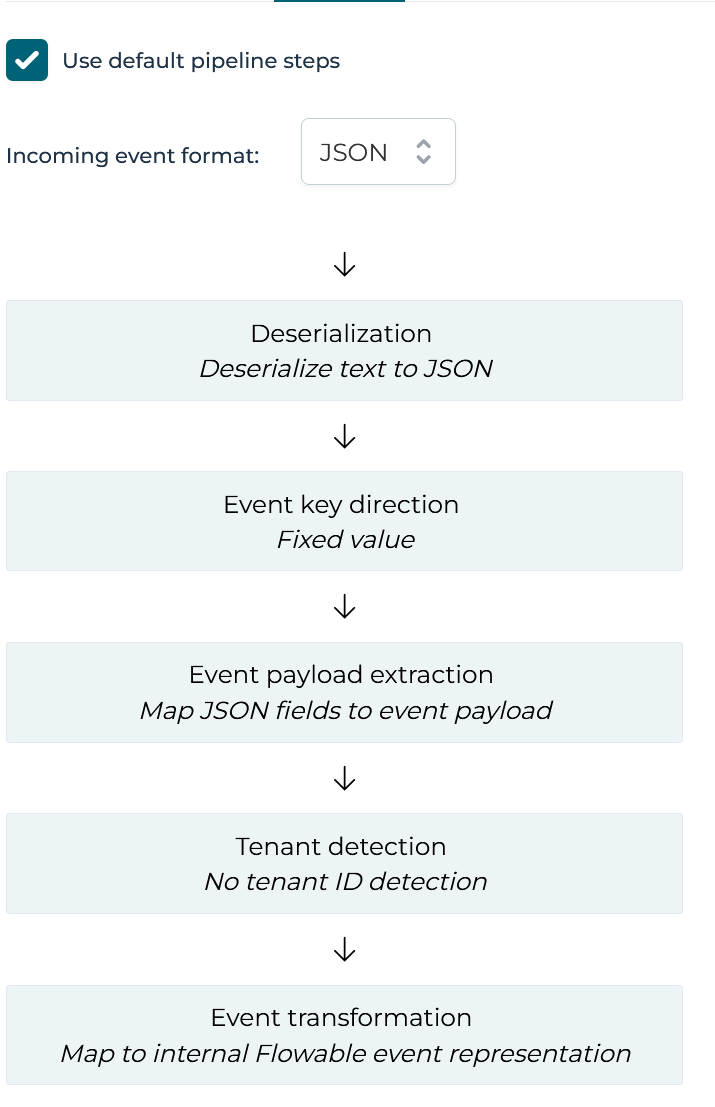
The serialization format of the event (XML, JSON or Custom) can be selected in the dropdown above the pipeline steps. Switching this format changes the possible options in certain steps of the pipeline. For example, when selecting JSON, the Event key detection step can be configured to use a JSON Pointer expression while for XML an XPath option becomes available.
The small option Use default pipeline steps at the top is checked by default. This means that by default, the pipeline consists of five steps that are typically used by Flowable users. It's possible to have a fully custom pipeline implementation, but unchecking the checkbox and providing the proper Spring bean in the Flowable configuration (see the info icon for more details).
In the UI above, each gray rectangle is clickable and shows the details of that step when clicked. A pencil icon next to the step shows which step is currently being edited.