RabbitMQ Inbound Channel
Technical configuration
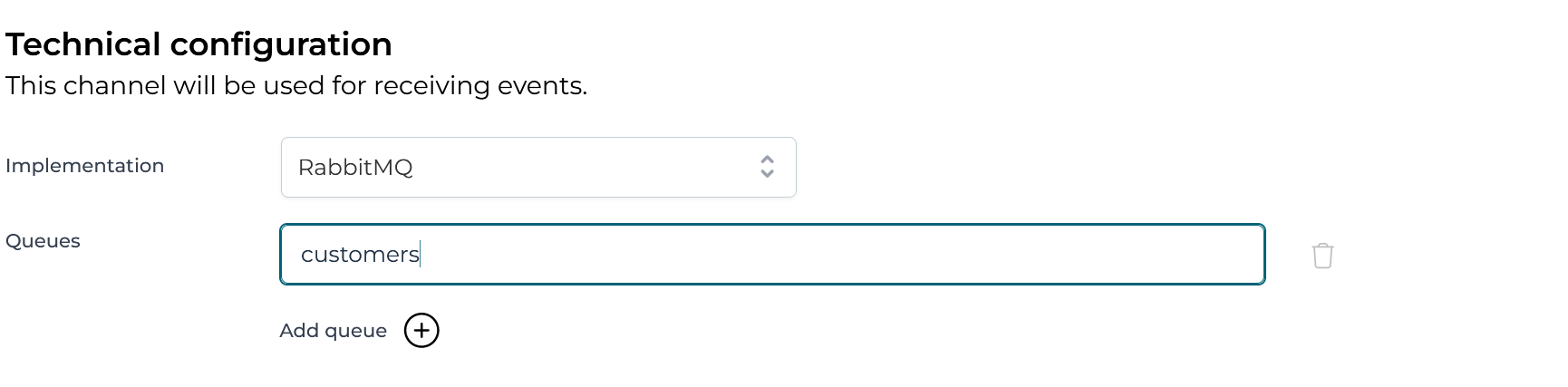
In this section the RabbitMQ queues that the channel should listen to need to be configured. It is possible to provide multiple queues that would be consumed. An expression can be used to determine the name of the queue that should be consumed.
Advanced configuration
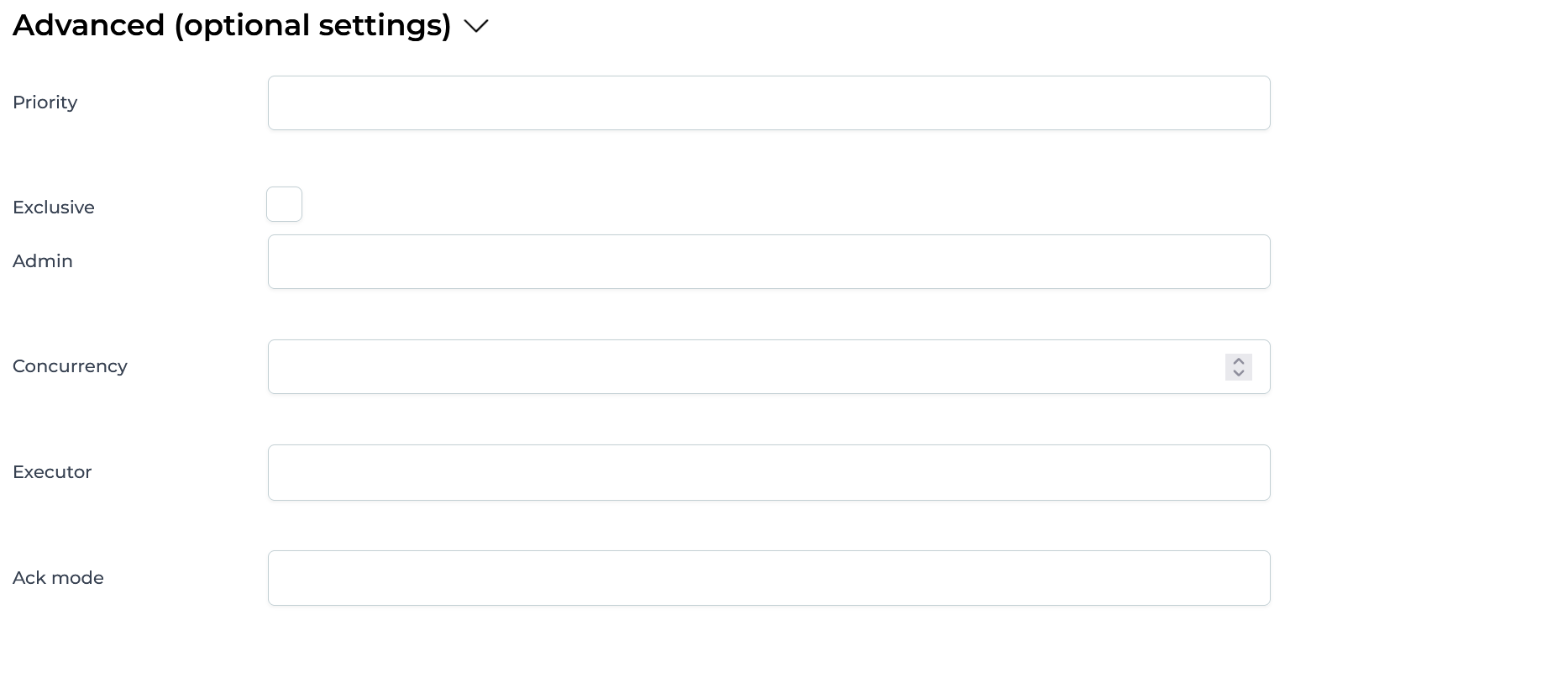
All options here are optional and allow using expressions. The available options are:
- Priority - See RabbitMQ Priority Queue Support for more information
- Exclusive - Whether the consumer for this channel should exclusively consume events from the queue
- Admin - Name of a Spring bean that resolves to a
org.springframework.amqp.rabbit.core.RabbitAdmininstance, which needs to be used to connect to the queue. If not configured, it will use the defaultRabbitAdminbean. - Concurrency - A numerical value or an expression resolving to a number, that is used to configure how many RabbitMQ listeners should be started.
- Executor - Name of a Spring bean that resolves to a
org.springframework.core.task.TaskExecutorinstance which will be used for receiving events. Leave blank to use the default. - Ack mode - Possible values: NONE, MANUAL, AUTO. See the RabbitMQ documentation for more details.
Pipeline
The pipeline configuration is the same for all channels. See Inbound Pipeline for more details.