Commit History
Git Connectivity provides access to the full commit history of a Git-connected app, both at the app level and for individual models. This allows you to track how models have evolved over time and review specific changes.
App-Level Commit History
To view the commit history for the entire app:
- Open the Git panel on the app details page.
- Click Commit History (or the history icon).
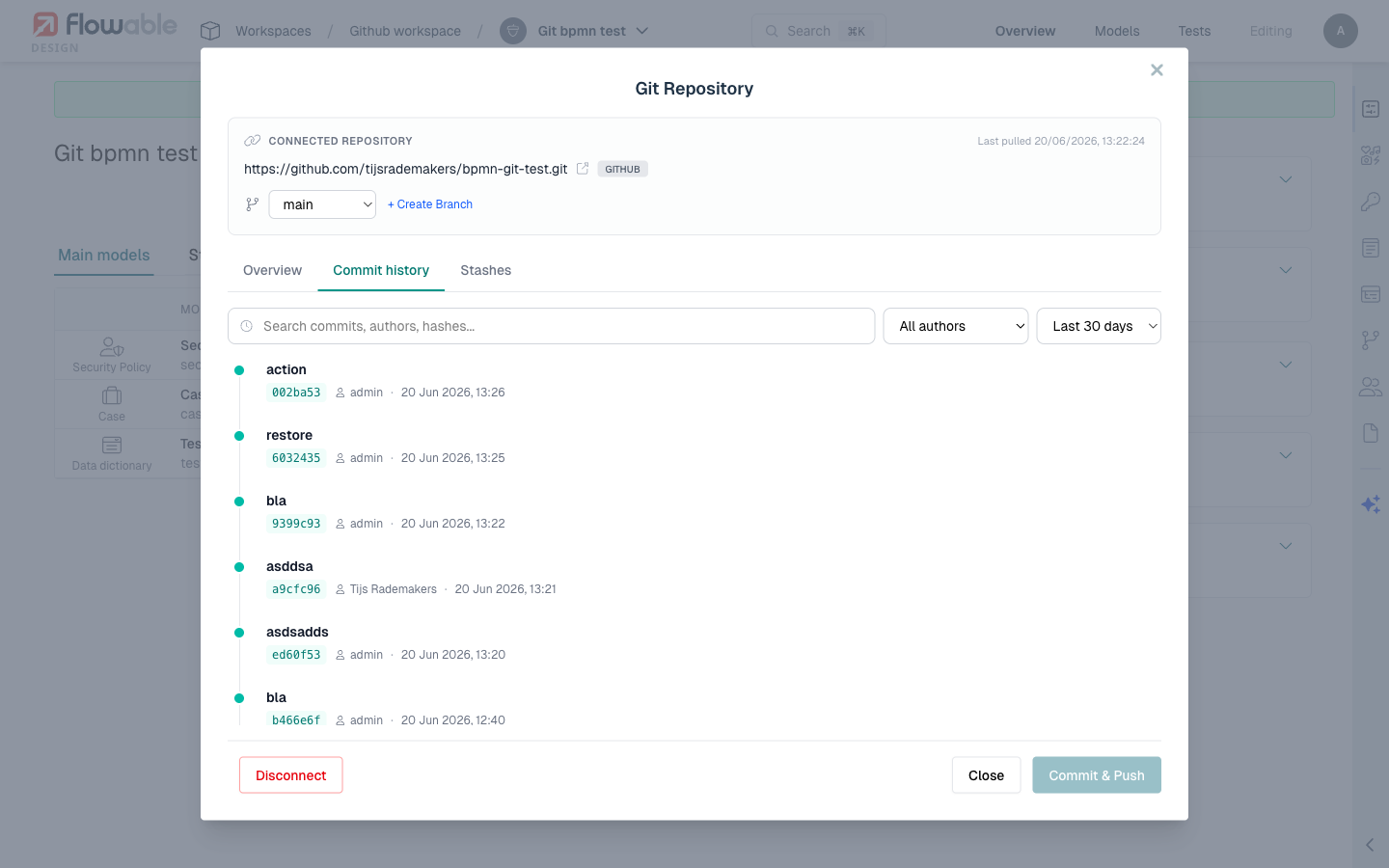
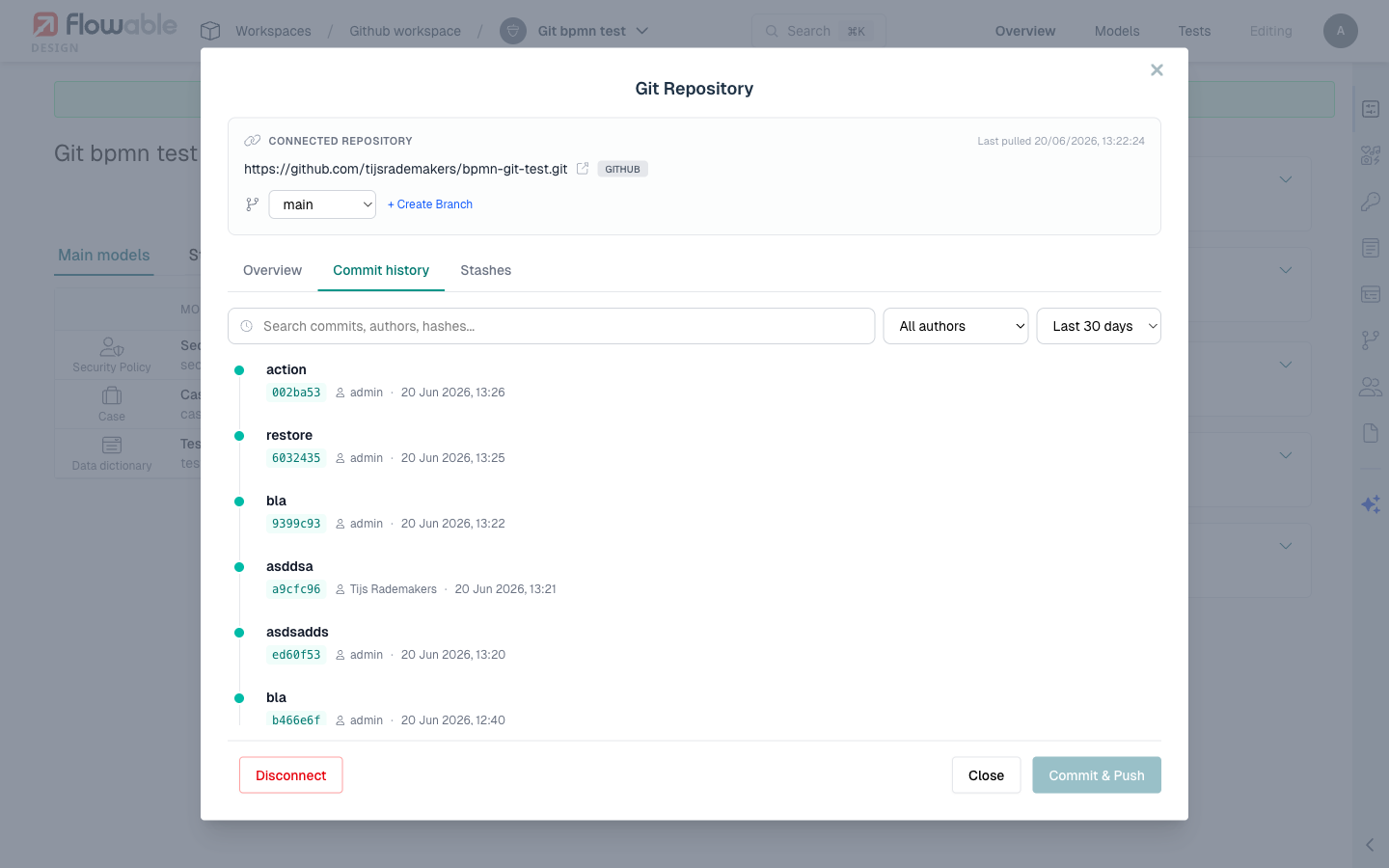
- The commit history modal opens, showing a chronological list of commits.
Each commit entry displays:
- Commit hash - The abbreviated SHA identifier.
- Author - Who made the commit.
- Date - When the commit was made.
- Message - The commit message describing the changes.
Model-Level Commit History
To view the commit history for a specific model:
- Navigate to the model within the app.
- Open the commit history for that model.
- The history shows only commits that affected this particular model.
This is useful when you want to understand the evolution of a single process, form, or other model without the noise of changes to other models.
Viewing Diffs from History
From the commit history, you can select any commit to view the diff at that point:
- Click on a commit in the history list.
- Design shows the changes introduced by that commit.
- For each changed model, a visual diff is displayed using the model-type-specific diff engine.
This allows you to see exactly what changed in each commit, including:
- Which models were modified, added, or removed.
- The specific changes within each model (new elements, modified properties, removed fields, etc.).
- Visual diagram diffs for BPMN and CMMN models.
Comparing with Remote
Beyond viewing historical commits, you can also compare the current local state of a model with the remote version:
- Diff vs. remote - Shows the differences between your local model and the version in the remote repository.
- Diff at commit - Shows the state of a model at a specific commit compared to the current version.
These comparison options are available from both the Git panel and the commit history modal.
Navigating History
The commit history is paginated for apps with long histories. You can scroll through commits chronologically, with the most recent commits shown first.
When viewing model-level history, only commits that modified the selected model are shown, making it easy to trace the evolution of a specific model even in repositories with many unrelated commits.